

This Fast Screen Recorder review finds a Windows recording tool worth trying for straightforward demonstrations. The verified direct offer is $19.90 per year for one PC. Its value depends on whether it handles your recording workflow well enough to justify a recurring payment.
The application records computer-screen activity. Before buying, distinguish the advertised features from tested performance and read the refund terms for your chosen seller. Sources: official overview and direct purchase page.
How this review was prepared: We reviewed official product documentation, inspected the live purchase pages, and checked the linked terms. We have not installed or benchmarked the application. Feature descriptions are vendor claims; recommendations are editorial analysis.In this review
What Is Fast Screen Recorder?
Fast Screen Recorder is a desktop screen-capture application from FastPCTools. The vendor lists Windows 11, 10, 8.1, and 8, with a downloadable trial and a paid version. A separate browser recorder is also offered; its advertised two-minute free limit should not be applied to the desktop trial. Product and platform details.
Think about the file you need to deliver: a walkthrough for a customer, an explanation of a software problem, or a lesson someone can replay. A suitable recorder should make that explanation readable, audible, and easy to move into your existing editing or sharing process.
Who Should Consider It?
It belongs on your trial list if you mainly want to demonstrate an on-screen process and can evaluate the result on your own computer. A focused test is more useful than choosing by the number of features on a sales page.
Look more closely before committing if you need automatic captions, separately editable audio tracks, a full timeline editor, team administration, or direct publishing integrations. The reviewed material did not establish these capabilities. That is a documentation gap, not proof that every feature is absent.
For paid client work or monetized training, also confirm commercial-use rights for the exact license and seller. The terms linked from the purchase checkout contain personal, non-commercial-use language; obtain clarification before relying on that checkout for business use. Checkout terms, section 4.
Fast Screen Recorder Review: Documented Features


| Capability | Documented support |
|---|---|
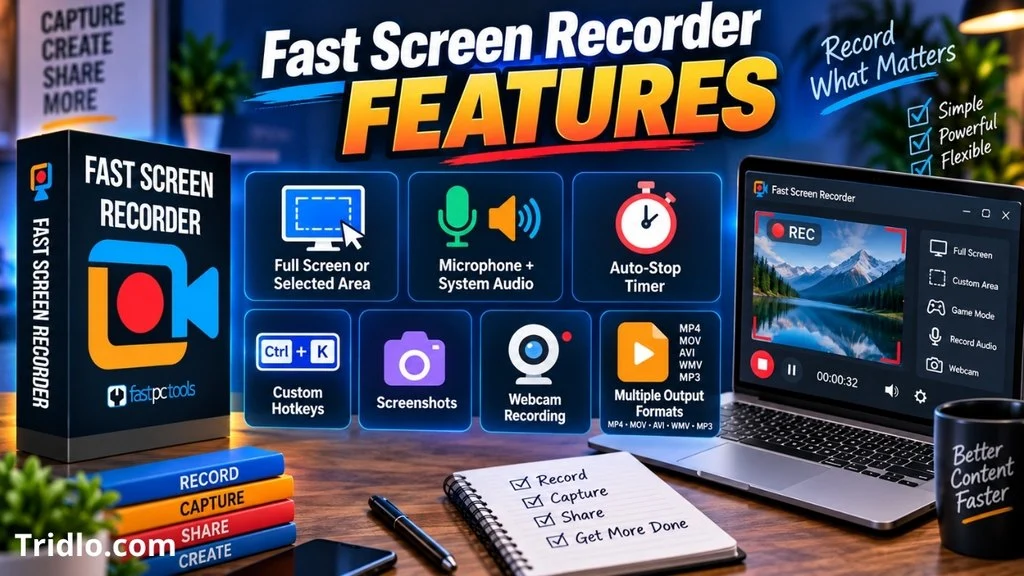
| Capture area | Full screen, multiple screens, or a selected rectangle. |
| Audio | Microphone, system sound, both together, or silent video. |
| Controls | Auto-stop timer and customizable hotkeys. |
| Screenshots | Capture during or outside a recording. |
| Output | MKV recording; conversion options include MP4, MOV, AVI, WMV, and MP3. |
Source: FastPCTools feature documentation.
The verified product offer additionally lists webcam recording, audio-only recording, and mouse-activity capture. These are seller-described capabilities, not results from our own recording tests. The purchase link in the pricing section opens that offer.
Three distinctions that affect real use
An auto-stop timer does not establish automatic scheduled starting. Capturing microphone and system audio does not establish that each remains on a separate editable track. Format conversion does not establish full video-editing functionality. If any of these distinctions affects your work, test the precise operation before paying.
How to Evaluate the Recording Workflow
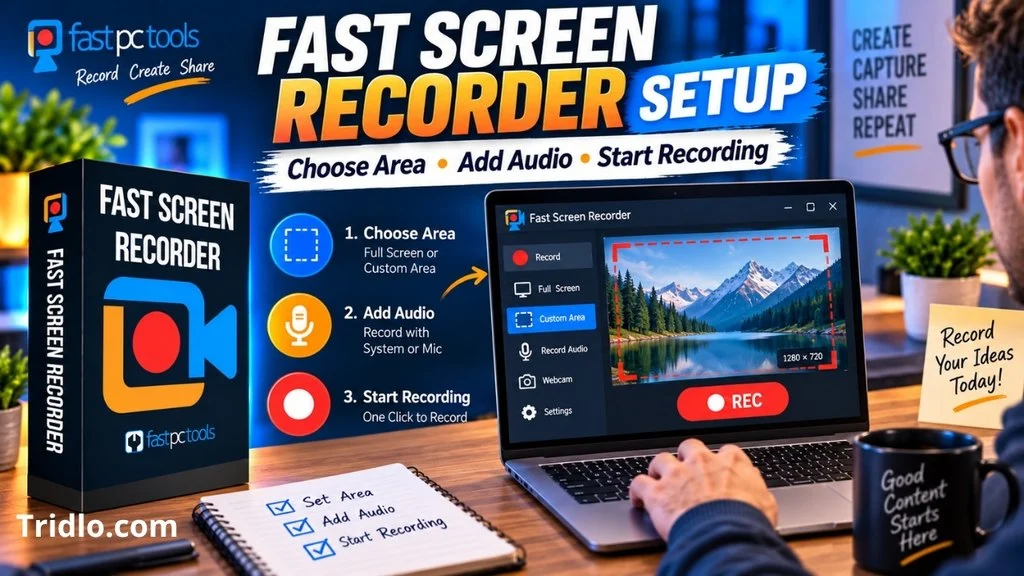
Use this procedure to assess the trial. It is a proposed test, not a claim that we completed it.
- Choose a representative task. Use the same application, display, and microphone you expect to use regularly.
- Prepare the screen. Close private messages and unrelated windows. Make text large enough to read at the intended viewing size.
- Configure capture. Select the relevant screen area and audio sources. If webcam capture matters, include it in this sample.
- Record a short explanation. Include narration, application audio where relevant, scrolling, and cursor movement.
- Inspect the saved result. Look for unreadable text, clipped audio, echo, missing sound, and synchronization problems.
- Complete delivery. Open the file in your editor or intended destination. Include conversion time and any extra software in your assessment.
After the sample passes, try a session of your normal length. Note the application version, Windows version, display resolution, audio hardware, duration, and observed problems. Those details help distinguish a repeatable limitation from an isolated setup issue.
Fast Screen Recorder Pricing and Total Cost
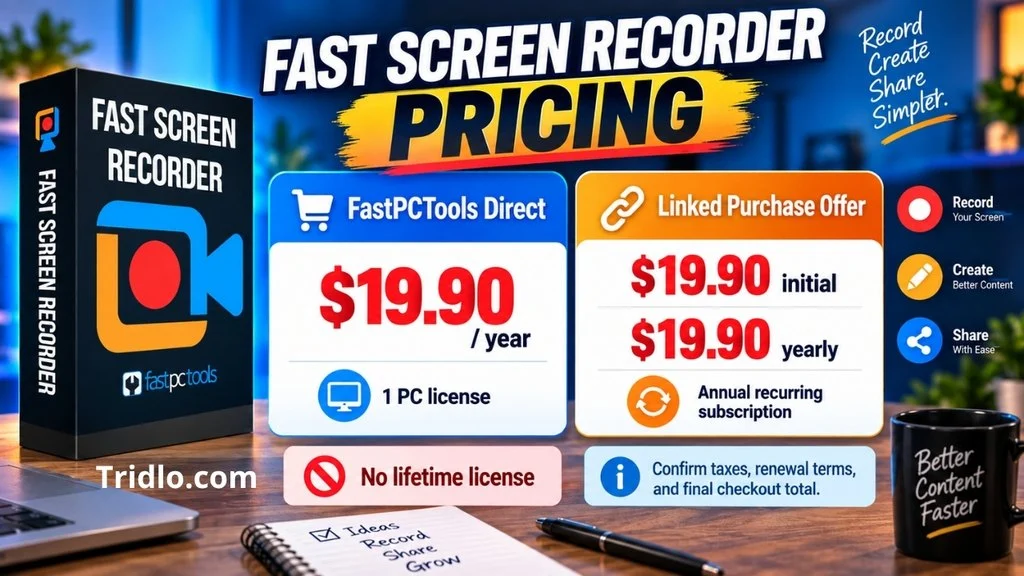
Verified September 19, 2026: the live direct purchase page displayed a one-year, one-PC license at $19.90. The linked purchase offer, Fast Screen Recorder for PC, showed an initial $19.90 charge and $19.90 yearly recurring payments.
| Purchase route | Displayed price | Important condition |
|---|---|---|
| FastPCTools direct | $19.90 per year | One-PC license; confirm the future renewal amount. |
| Linked purchase offer | $19.90 initially; $19.90 yearly | Recurring subscription; checkout says cancellation is on an annual basis. |
The direct full-version offer lists unrestricted recording duration, watermark removal, priority email support, and updates for the annual plan. These are advertised entitlements. Exact desktop trial restrictions remain unclear in the reviewed pages. Direct offer details.
At an unchanged $19.90 annual rate, three annual payments would total $59.70. That is a budget calculation, not a guaranteed future price. Check taxes, currency, selected quantity, optional extras, and renewal terms in the final order summary. The advertised subscription is not a lifetime license.
Get Fast Screen Recorder
Affiliate disclosure: We may earn a commission if you purchase through the link below. Compensation does not determine our conclusions.Get Fast Screen Recorder
Opens the verified seller checkout. Review recurring charges, license rights, and refund terms before purchasing.
Refunds and Cancellation: Check Your Seller
Direct purchases from FastPCTools
The detailed policy describes annual subscriptions and cancellation before automatic renewal. Canceling leaves the license active through the paid period; cancellation alone does not produce a refund. The policy allows refund requests within 30 days for qualifying direct purchases and renewals, but says approval may be refused when the software works as described and no technical issue exists. Cancellation and refund policy.
That restriction differs from the direct purchase page’s unconditional-sounding refund message and the EULA’s broader 30-day refund wording. The safest reading for a buyer is that an unconditional refund has not been established consistently across the vendor’s documents. Ask which conditions apply to your order. Purchase page; EULA.
Purchases through the Linked Offer
FastPCTools directs third-party purchasers to their original seller for refunds. The linked checkout terms say digital purchases are generally nonrefundable unless a specific guarantee provides otherwise. Review the product-specific guarantee shown with your transaction and keep a copy; do not assume the direct site’s 30-day wording governs this checkout. Vendor policy; Checkout terms, section 13.
Before purchasing either offer, make sure you understand both how to stop renewal and whether a refund is available. These are separate questions.
Pros and Cons
Reasons to Try It
- The documented capture options suit common demonstration tasks.
- A trial provides a way to assess your workflow before paying.
- The verified checkout makes the recurring charge visible.
Reasons to Be Cautious
- A recurring fee may be hard to justify for occasional use.
- The direct refund documents are inconsistent.
- Desktop trial limits and advanced editing capabilities need clarification.
These are editorial assessments of the documented offer. They are not benchmark scores or aggregated customer ratings.
What to Check Before You Pay
Start with the requirements that could make the product unsuitable:
- Image quality: What resolution and frame rate can you actually use on your hardware?
- Trial limits: What recording-duration, watermark, or export restrictions apply to the desktop trial?
- File compatibility: Can your editor or destination accept the result without another paid tool?
- License rights: Does the chosen offer cover your device count and intended personal or commercial use?
- Renewal and activation: What happens at expiration, and how is a replacement PC activated?
For sensitive demonstrations, use sample data, hide notifications, and review the entire recording before sharing. Obtain appropriate permission for meetings and third-party material. These are recording-workflow precautions, not claims about the product’s security certifications.
When OBS Studio May Be a Better Starting Point
OBS Studio is free, open-source recording and live-streaming software for Windows, macOS, and Linux. It supports scenes, webcam sources, audio mixing, and per-source filters. OBS Studio official overview.
Consider it if you need layered presentations or live streaming, or want to avoid a recorder license fee. That does not prove it will perform better on your computer. Compare both tools using the same sample task, then judge setup effort, output quality, and the steps required to finish your video.
Final Verdict: Is Fast Screen Recorder Worth It?
The conclusion of this Fast Screen Recorder review is to test your real workflow before subscribing. The verified annual price provides a concrete basis for comparison. For someone who records regularly, a tool that consistently reduces setup and correction work could justify that cost.
For occasional recordings, evaluate a free option first. For professional production, establish the necessary editing features, license rights, and reliability before relying on it. A successful trial and clear purchase terms are stronger reasons to buy than an untested “best recorder” claim.
Frequently Asked Questions
Is the advertised offer a lifetime purchase?
No. The checked offers use annual billing. Review the initial charge and yearly renewal amount in the pricing table before purchasing.
Can it record a webcam?
The verified seller listing advertises webcam recording. Test the layout, synchronization, and output in your intended setup before treating it as suitable for production.
Is the desktop trial limited to two minutes?
The two-minute statement on the product page refers to the separate online recorder. The reviewed documentation did not establish that limit for the desktop trial.
Is an auto-stop timer enough for unattended recording?
No. You also need to verify how recording starts, whether the target application stays visible, and whether the full session saves correctly. Test the complete scenario first.
Research and checkout verification: September 19, 2026