You can start a blog for free without buying hosting, hiring a designer, or knowing how to code. The real challenge is choosing a platform you can live with, picking a useful topic, and getting your first post out of draft mode.
This guide walks you through those decisions, then shows you a practical launch process using Blogger. It is written for first-time bloggers, professionals building a writing portfolio, and small business owners testing a content idea before spending money.
A quick answer before you begin
To start a blog for free, choose a hosted platform such as Blogger or WordPress.com, create an account, select a free web address and theme, and publish an original post. You can launch without a separate hosting bill. A custom domain, additional features, or removing platform advertising may cost money.
Start here: Choose Blogger for the walkthrough below, WordPress.com if you want to learn its publishing environment, or Wix if arranging pages visually is your priority. These are editorial recommendations based on documented features, not results from hands-on performance testing.
What a free blog includes and what it does not
A blog is a website, or a section of a website, where you publish articles called posts. A hosted blogging platform stores your content and provides the tools readers use to view it. You work inside its editor rather than setting up a server yourself.
A free plan usually includes a platform-provided address, such as a name ending in blogspot.com or wordpress.com. A custom domain is a separate address you register, such as your own .com. The free address is enough to begin publishing; buying a domain is a branding decision you can revisit.
Free blogging is useful for practicing writing, organizing knowledge, and building public examples of your work. For a business, it can also help test whether prospective customers respond to a subject. Its limitations matter more when the blog becomes a central part of your business.
Do not confuse WordPress.com with self-hosted WordPress. The former offers a hosted free plan. The latter uses WordPress software with hosting you arrange; the software being free does not make an ordinary commercial hosting account free.
Choose a free blogging platform that fits your goal

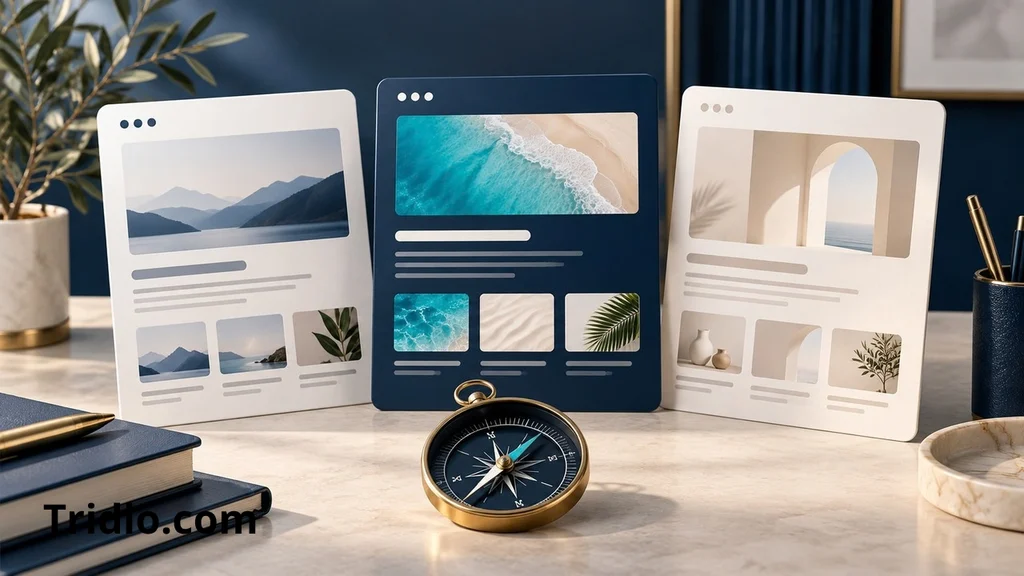
Compare the restrictions you would actually notice: the address visitors see, advertising, media storage, and the changes that require an upgrade. You do not need the platform with the longest feature list to publish a useful first article.
Feature check date: October 10, 2026. The table summarizes published platform information available on that date. Plans and interfaces can change. No paid introductory prices are included.
| Platform | Free address | Main trade-off | A useful fit |
|---|---|---|---|
| Blogger | Your chosen name on blogspot.com | Uses Blogger’s publishing and theme system; a purchased domain is optional | A straightforward blog without a hosting purchase |
| WordPress.com | A wordpress.com subdomain | Platform ads and 1 GB of media storage on the free plan; custom domains require a paid plan | Learning the WordPress publishing environment |
| Wix | siteprefix.wixsite.com/siteaddress | Wix ads and storage limits; connecting a custom domain requires an upgrade | A visual website with a blog section |
The official Blogger overview describes its templates, Blogspot addresses, and optional advertising features. WordPress.com’s free-plan page explains its included hosting, storage, and advertising. Wix describes its free address and upgrade requirements in its guide to building a website for free.
Need a broader shortlist? Our guide to free blog websites and platform options explores the selection stage. If your decision comes down to two publishing systems, read the Blogger versus WordPress comparison before committing.
How to start a blog for free step by step
1. Pick one reader and one useful subject

A focused topic makes it easier to decide what belongs on your blog. Instead of writing about everything you enjoy, identify a group of readers and a recurring problem you can help them solve.
Use this sentence: My blog helps [specific readers] do [specific task] through [type of content]. For example, a fictional beginner cooking blog might help people living alone make simple weeknight meals. That gives its author a clearer direction than “a lifestyle blog.”
Write down five questions those readers might ask. Favor subjects you can explain accurately, demonstrate, or research responsibly. If every proposed post requires expertise you do not have, narrow the topic or choose a different angle.
2. Choose a clear name and a free address
Pick a name that is easy to say, spell, and remember. Leave room for related subjects rather than tying the name to one temporary trend. Write it without spaces to check how the address looks.
Check availability inside your chosen platform. Similar wording may already be in use, so prepare a second option. A descriptive name is helpful, but squeezing several search keywords into an awkward address is unnecessary.
Keep the free address if your budget is zero. A promotion offering a domain “free for the first year” can still require a paid plan and later renewal payments.
3. Create the blog in Blogger
Google’s official blog-creation instructions provide this basic sequence:
- Sign in to Blogger with the Google account you want to manage the blog.
- Open the blog selector on the left and choose New blog.
- Enter your blog’s name and select Next.
- Choose an available blog address.
- Select Save.
Menu labels and onboarding screens may vary. Complete any account prompts you are shown, then check that the dashboard displays the intended blog. Use a strong account password and enable the account’s additional sign-in protection.
If you choose WordPress.com or Wix instead, follow its account setup and explicitly choose the free plan and platform address. Paid domain suggestions and optional upgrades are separate from the goal of a zero-cost launch.
4. Keep the design simple and readable
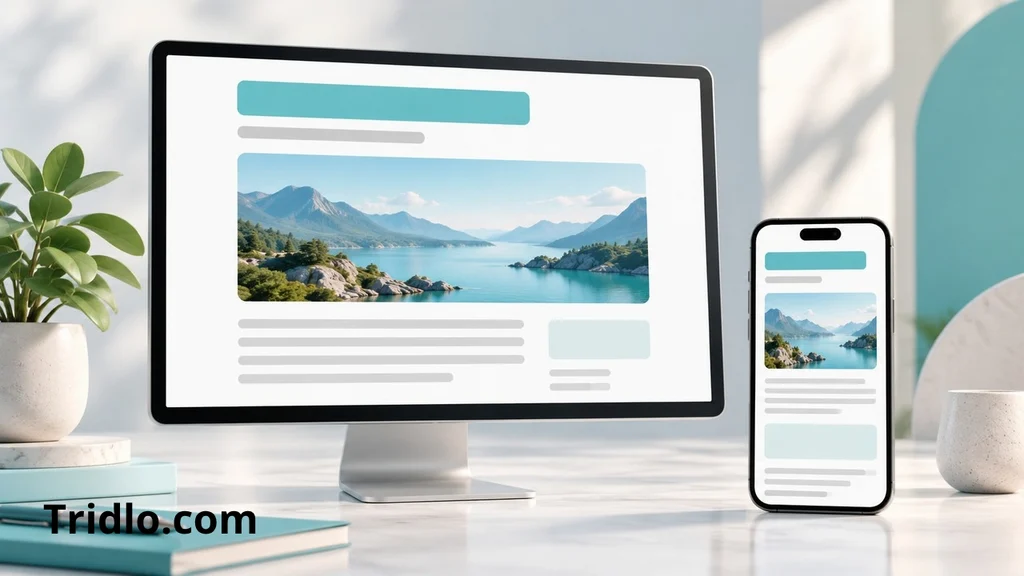
Start with a clean built-in theme. Set a readable body font, a clear text color, and a restrained accent color. Make the main navigation easy to find. Avoid adding widgets simply because the platform offers them.
Open the preview at a narrow width. Can you read a paragraph without zooming? Do images stay within the page? Can you tap navigation links comfortably? Also check the live page on a phone when you publish.
For design ideas, explore these free blog templates. Confirm that a template works with your platform and plan before downloading it; a WordPress theme cannot simply be installed as a Blogger theme.
5. Add basic information about the blog
Create an About page explaining the blog’s focus and who writes it. Add a contact method you are comfortable making public. Keep the menu short: Home, About, and Contact is a reasonable starting point.
Distinguish a page, which holds ongoing information, from a post, which is an individual article. Put recurring reference information in pages so readers can find it without searching through the post archive.
Before adding forms, advertising, or other tracking tools, review the platform’s requirements and the disclosures appropriate to how you actually use those features. Do not paste a generic policy that describes services your blog does not use.
6. Write a first post that answers a real question
Begin with something more useful than an announcement that the blog exists. A focused how-to, an explained example, or a practical checklist gives a new reader a reason to stay.
Build the draft around a simple structure: a descriptive title, an opening answer, the steps or explanation, one concrete example, and a next action. Use subheadings where the reader moves to a new question.
For the cooking example, “How to Plan Five Weeknight Dinners for One” is a workable first topic. The author could explain how to reuse ingredients and show an illustrative menu. Any shopping prices should come from an actual dated source or be clearly labeled estimates.
Use photos you created, images you have permission to use, or clearly identified illustrations. Do not present an AI-generated scene as proof that you tested a product or visited a place. Add descriptive alternative text when an image communicates useful information.
7. Review the draft and publish
Preview the article before making it public. Read it once for meaning and once for small errors. Test every link, check the headings, and remove leftover sample text from the theme.
- Does the title accurately describe what the article helps readers do?
- Does the opening answer the main question without a long preamble?
- Are facts supported and examples identified honestly?
- Do images load and fit a phone screen?
- Is the blog publicly accessible if you want an audience?
When the post is ready, use the platform’s publishing control. Open the resulting link in a signed-out browser window to see what a visitor sees. Correct problems there before you share the address.
Help readers find and use your new blog
Start with people who have a reason to care about the topic. Share a useful summary in a relevant community when its rules allow links, add the blog to an appropriate profile, and invite a few readers to tell you what was unclear. Avoid dropping the same link into unrelated discussions.
For search visibility, write clear titles, use logical headings, and link related articles together. A descriptive link such as “planning meals for one” tells readers more than “click here.” Use the words your audience would naturally use without repeating the same phrase in every paragraph.
Google’s SEO Starter Guide explains the basics of helping search engines discover and understand content. Publishing a page does not guarantee indexing or a particular ranking. Allow time for discovery instead of treating a missing search result on launch day as proof that the platform failed.
Keep a short list of actual reader questions. Those questions can guide your next post more effectively than chasing an arbitrary word count. If a reader cannot complete the task after reading, improve the explanation before adding another article.
Build a publishing habit and protect your work
Choose a pace you can sustain alongside work or school. One carefully prepared post on a realistic schedule is a useful starting commitment; it is not a ranking formula. Leave time to correct older articles when you learn something new.
Keep separate copies of your drafts and original images. For Blogger, follow the official backup instructions to download blog content and save the theme separately. Check the current export process before making major changes.
A simple first-month plan can keep the project manageable:
- Week one: Choose the topic, set up the blog, and publish the first useful post.
- Week two: Ask for feedback and write a follow-up that answers a related question.
- Week three: Improve navigation, connect related posts, and review mobile readability.
- Week four: Back up your work and decide what to write next based on feedback.
This is an illustrative planning schedule, not a traffic or income forecast. Adjust it to the time and research your subject requires.
Common mistakes that slow down a free blog
Spending too long on the theme. Set a practical stopping point for design work. A polished header cannot replace an article readers find useful.
Confusing free plans with free trials. A trial ends or changes after a set period. Check that you selected an ongoing free option and did not add a paid subscription during setup.
Copying successful posts. Use other articles to understand what readers need, then add your own explanation, examples, research, or demonstrated experience. Rewording someone else’s article does not automatically create useful original work.
Uploading oversized images. Resize and compress images for their display size. Keep a high-quality original separately. A small article illustration rarely needs the full file from a camera.
Ignoring the eventual move. Before you invest heavily in a platform, check what you can export. Content, design, subscriber information, and addresses may not move together automatically.
When to spend money and how to think about earnings
Upgrade when a specific restriction blocks something valuable. Examples include needing your own domain for business materials, removing platform advertising, or adding a feature your current plan does not support. Compare ongoing renewal costs, not just the first advertised payment.
A blog can support services, affiliate recommendations, products, or advertising, but the options depend on platform rules and eligibility. Available monetization features do not guarantee approval, an audience, or earnings.
If revenue is your eventual goal, use our guide to making money blogging to explore business models. First establish what readers come to you for and why they would trust your recommendations.
Useful tools for your first month
You can keep the tool list short. Use your platform’s editor for drafts and previews, a notes document for reader questions, and an image editor to resize your visuals. Platform help documentation is the first place to check when a menu differs from a tutorial.
Google Search Console can help you understand search performance after you verify an eligible site. Your available verification method depends on the platform. It is a diagnostic tool, not a service that guarantees rankings. At the beginning, direct reader feedback can be more actionable than a nearly empty traffic report.
Frequently asked questions
Can I start a blog with no money?
Yes. Use an ongoing free hosted plan, the included platform address, and a free theme. Avoid optional domains, paid templates, and upgrades if your goal is to spend nothing.
Which free blogging platform should a beginner choose?
Choose the platform whose limitations fit your goal. Blogger is a practical option for the walkthrough in this guide. WordPress.com suits learning its publishing environment, while Wix suits visually arranging a broader website.
Do I need a domain name to start?
You need a web address, but it does not have to be a separately purchased domain. A platform-provided address lets readers visit your blog. You can consider a custom domain later.
Is WordPress completely free?
WordPress.com has a free hosted plan with restrictions. Self-hosted WordPress uses free software, but hosting and a domain commonly create separate expenses. Decide which version a tutorial means before following it.
Can a free blog appear in Google Search?
Yes, a public free blog can be discovered and indexed. A free address alone does not guarantee or prevent visibility. Accessibility, useful content, and other search considerations still matter, and indexing is not guaranteed.
Can I make money from a free blog?
Possibly, depending on the platform, the method, and applicable requirements. Treat monetization as a later business decision rather than an automatic benefit of opening an account.
How many posts do I need before launching?
You can begin with one complete, useful post and basic information about the blog. There is no universal launch quota. Add related articles as you can produce them accurately.
Can I move my free blog later?
Often you can export at least some content, but what transfers depends on the platforms involved. Check export formats, images, URLs, and redirect options before moving. Save independent copies of your work from the start.
Publish one useful post and build from there
A free blog gives you a practical place to learn what you enjoy writing and what readers need. Choose a platform with acceptable limits, use a simple design, and focus your first article on one question you can answer well.
Your next step: Write down your reader, your topic, and the title of your first post. Then create the free blog and turn that outline into a clear, helpful article. You can make spending decisions after you know what the blog needs.